Calendar feed
Subscribe to your contract key dates in Outlook, Google Calendar or Apple Calendar.
The calendar feed shows notice deadlines, contract ends, renewals, obligation due dates and matter deadlines in the calendar app you already use. It is a standard ICS subscription.
Role needed
Create your link
Open Contracts, then Contract key dates. Find the panel Calendar feed.
Choose Create my feed link. If you already have a feed, the button is Create a new link and the new link replaces the old one.
Copy the link now. It is shown only once.
In Outlook, Google Calendar or Apple Calendar, add a calendar by URL (a subscription) and paste the link.
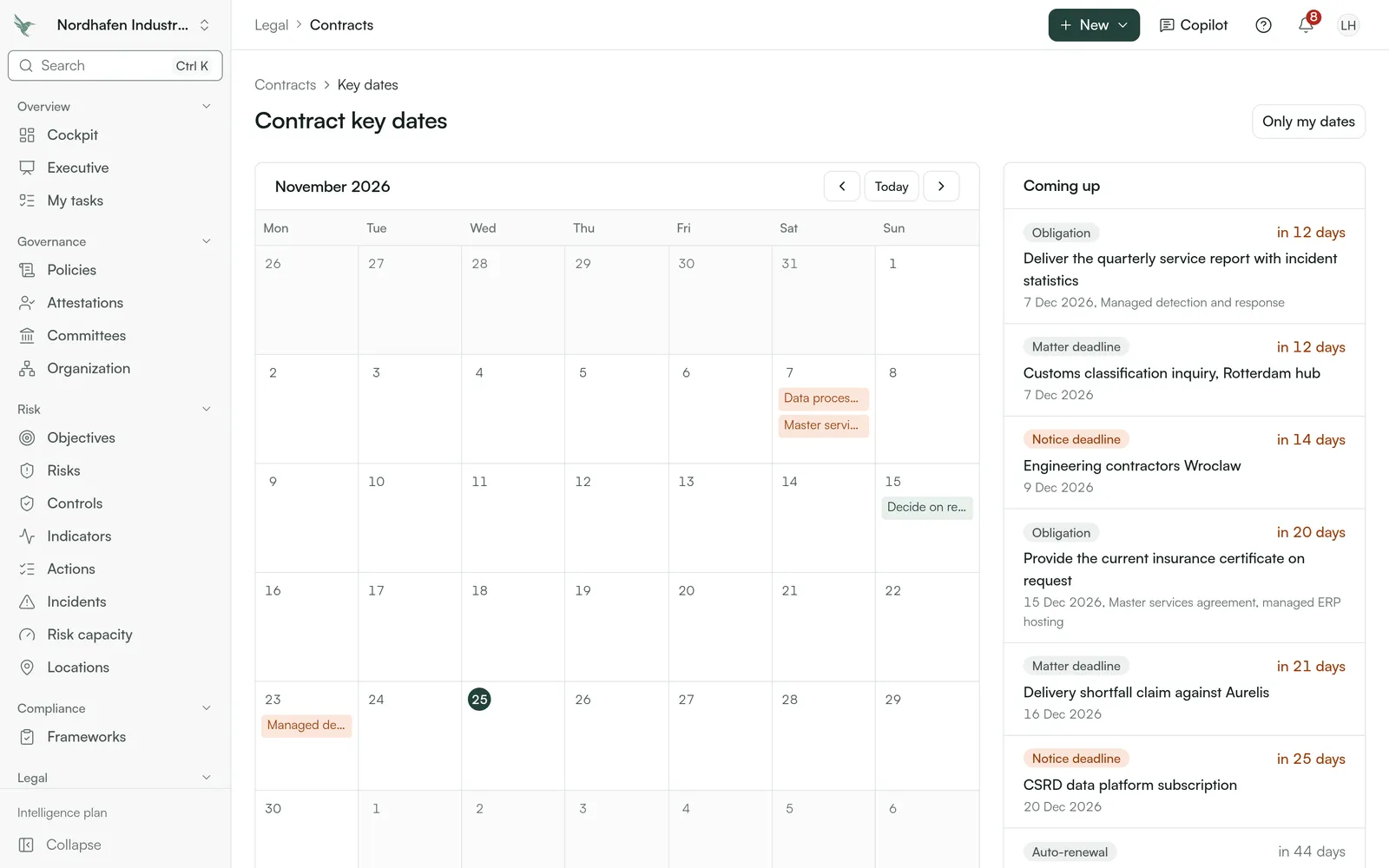
The link looks like https://grc.volatilis.org/api/calendar/vgrc_....ics. The token in the link is the credential. Anyone who has the link can read the feed, so treat it like a password.
What the feed shows
The feed shows what you may see in the app:
- If your access to contracts covers the whole organization, every contract date.
- Otherwise the dates in your department scope, and of the contracts and obligations you own.
Calendar apps refresh a subscription on their own schedule, often every few hours. A change in Volatilis GRC does not show at once.
When the feed stops working
The feed answers 404 when:
- you turned it off or created a new link (the old link stops at once);
- you are deactivated or suspended, or single sign-on is enforced and you have not signed in through the Microsoft tenant;
- you no longer have the right to view contracts.
To turn it off, choose Turn off the feed.