Get started
What Volatilis GRC is for, who uses it, and the first things to do after you sign in.
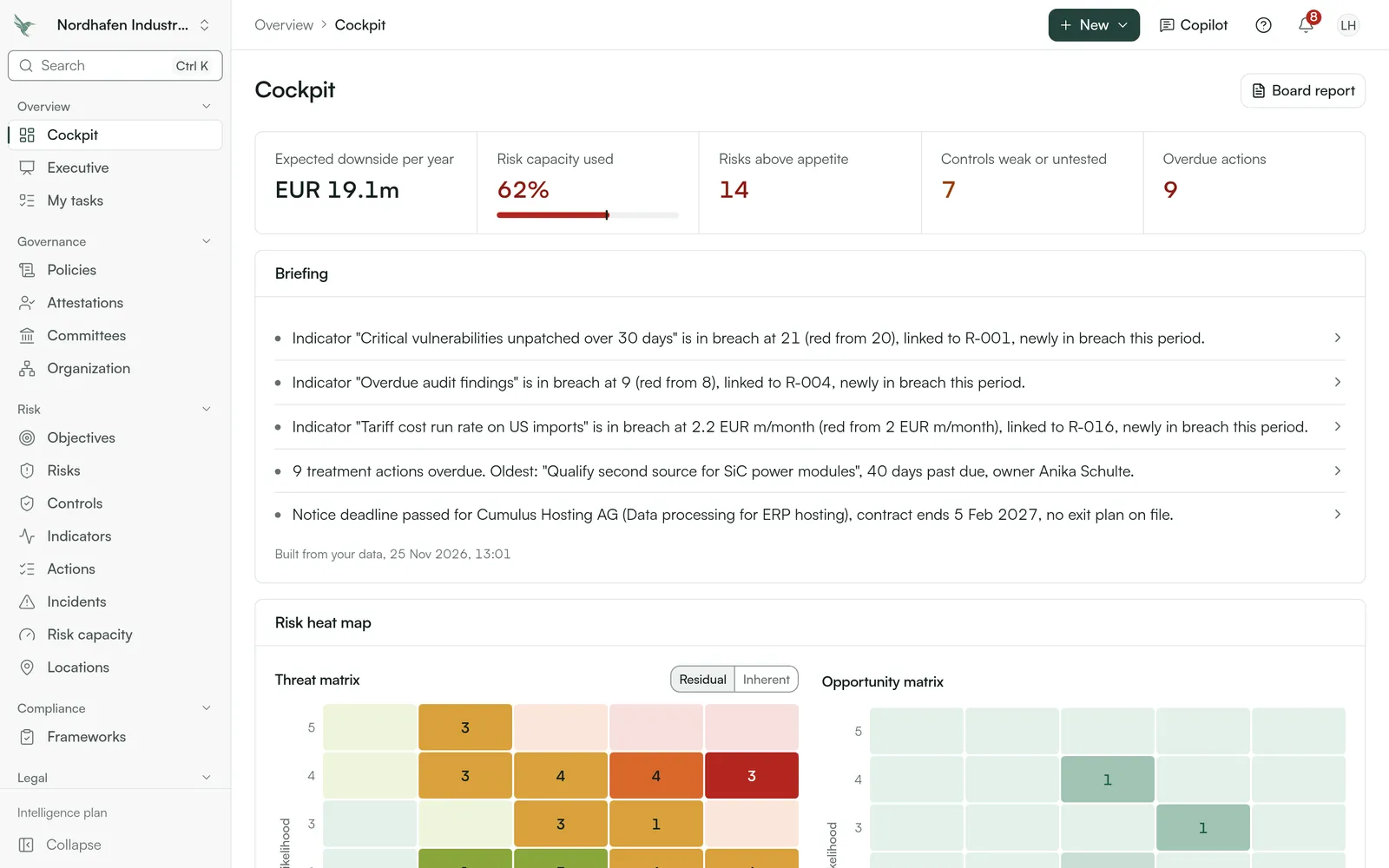
Volatilis GRC is where a company keeps its governance, risk, compliance and legal work, together with the approvals, campaigns and automations around it. The second line (risk, compliance and legal) runs the framework. The first line (the business departments) contributes with short forms and a single inbox. Board members and auditors read the result.
Four ideas to know first
- One organization, many members. Everything you see belongs to one Organization. You can be a Member of several. See Sign in and organizations.
- A role decides what you see. The sidebar only shows the modules your access allows. See Navigation.
- Records are linked. A legal matter creates a risk, a decision becomes an action. See How modules connect.
- AI is there when you want it. The Copilot and the AI checks help on request. What they produce is a draft that you accept, edit or discard, and you can do all of your work without them.
Your first ten minutes
Sign in
Use your work account. If you are new, signing in creates your account and you set up or join an organization. Details are in Sign in and organizations.
Open My tasks
Open My tasks in the sidebar. It is the one inbox for everything assigned to you: campaign items, attestations, approvals, overdue actions, indicator values, control tests and contract dates.
Choose your language
Open the user menu and pick Language, or go to Settings and then Language and region. See Language and region.
Find your role page
The pages under Roles describe a working week for each job, from risk manager to developer. Start with the one that matches yours: Roles.
Where to go next
| You want to | Read |
|---|---|
| Understand the screen layout, search and the New menu | Navigation |
| See which records create other records for you | How modules connect |
| Look up a term | Glossary |
| See what your job involves in the app | Roles |
| Review a risk when its date arrives | Risk review cycle |
| Connect your own tools | Developers |