Get started
Language and region
Switch the interface between English and German, set your time zone, and what the settings cover.
Volatilis GRC is available in English and German. Your choice applies to menus, pages, emails and Copilot answers, and it is saved to your account. Your time zone decides what today, due and overdue mean for you.
Change your language
Open the user menu and choose Language. Or go to Settings, then Language and region under Personal.
Pick English or German. The short forms are EN and DE.
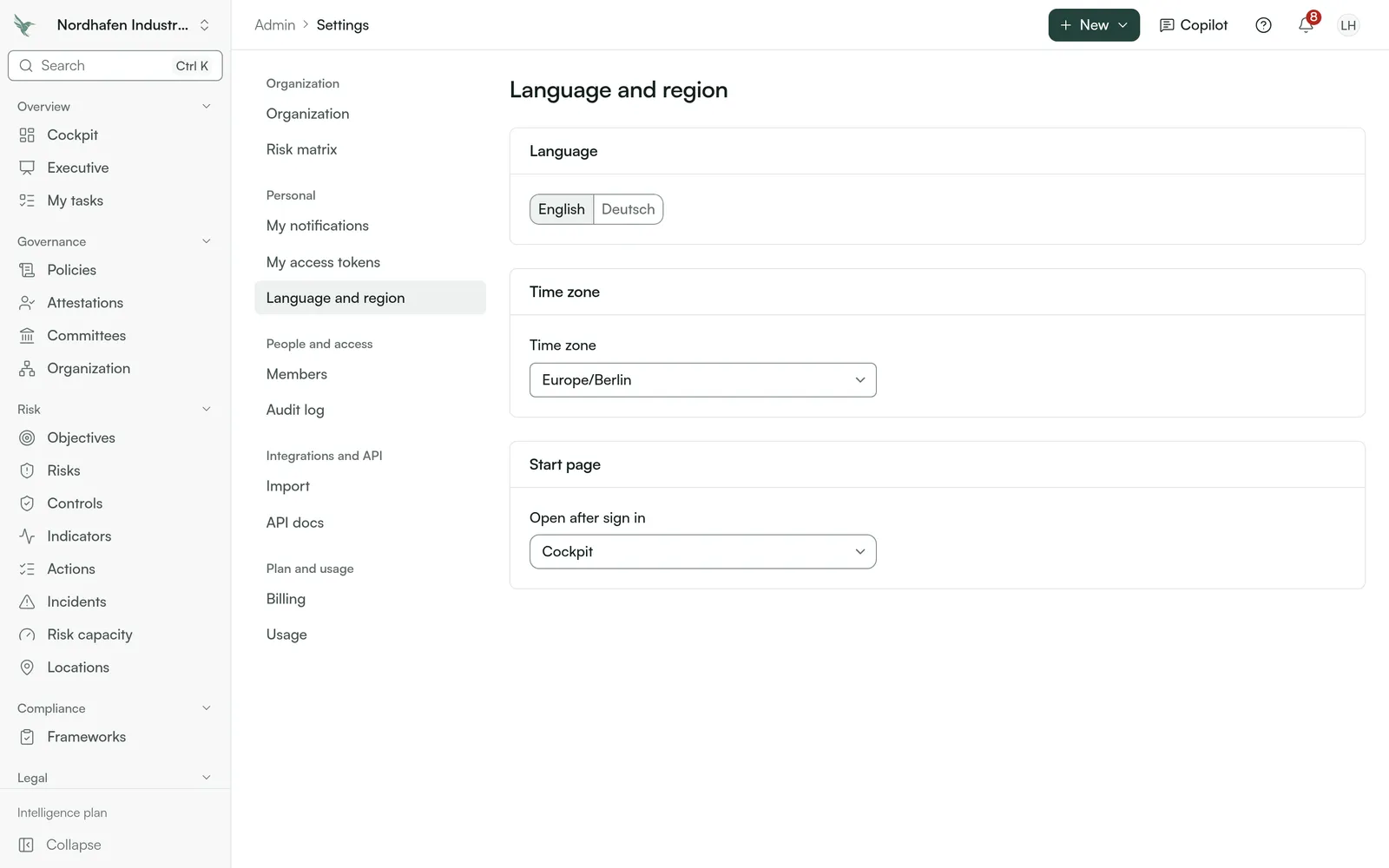
Every member can change this. No role is needed.
Set your time zone
On the same page, the Time zone list sets the time zone used for your days. The first time you open the app, it is taken from your browser; until then Europe/Berlin applies. Change it when you travel or work from another zone.
- Today, due today, overdue and in N days on tasks, the cockpit, tables, calendars and reports follow your time zone.
- Reminders and overdue alerts reach you when the date is due in your time zone. A colleague in another time zone is reminded on their own day.
- Dates in exports, the API and calendar feeds stay in UTC.
What changes
- Menus, buttons, page text, messages and error texts.
- Emails and notifications that the app sends to you.
- Copilot answers.
- Reports. Open a template in English or in German with Open in English and Open in German.
What does not change
- Text you typed yourself stays in the language you wrote it. This includes names, descriptions, comments and policy text.
- Amounts keep their currency code. Dates and numbers follow the language you chose, for example 15.11.2026 and 1.234,5 in German.
- The API reference and these docs for developers are English only.
German terms
The German interface uses fixed terms, for example Maßnahme for action and Vorfall for incident. The Glossary lists both languages side by side.