AI and automation
What the Copilot, the knowledge base, automations and the Microsoft 365 connection do, and what stays under your control.
This section covers the Copilot, the knowledge base, automations and the Microsoft 365 connection. All of them are optional, and every module works without them. When you do use them, these rules apply.
- Drafts need a person. The Copilot and AI agents write drafts, and a draft is saved when someone with the right role accepts it. The exception is Draft with AI in a report you are editing: its text is saved into the report, which stays a draft until a person edits and submits it. Accepted drafts are logged as AI-assisted in the audit log.
- Permissions apply. The Copilot sees only what your role allows. An agent acts with the permissions of the person who last saved it.
- Plans set limits. AI requests, agents, automation runs and stored documents have limits per plan. See Plans and limits.
| Page | Use it to |
|---|---|
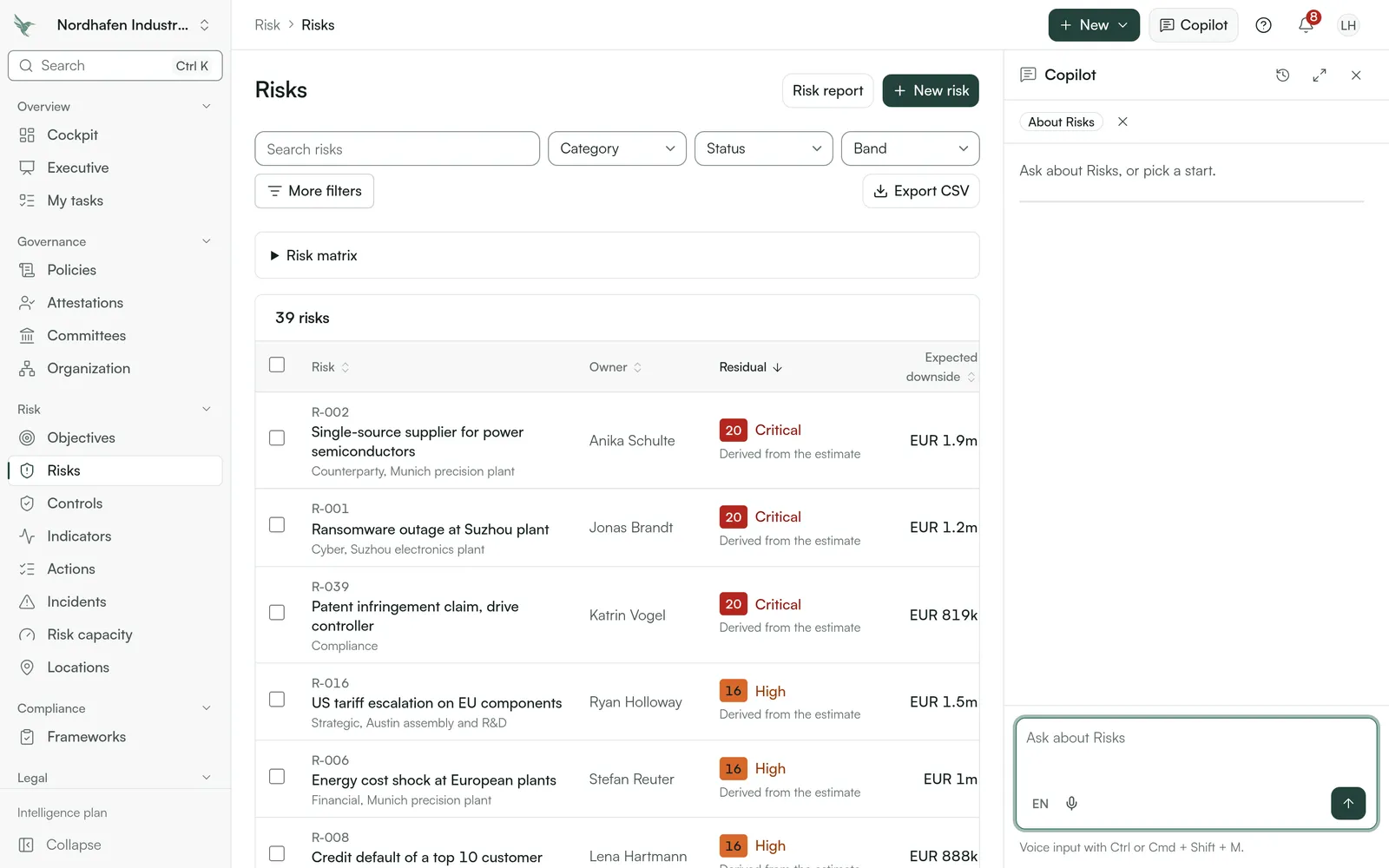
| Copilot | Ask questions about your data, search documents and get drafts of risks, controls, actions and more. |
| Knowledge base | Upload policies and reports so the Copilot can cite the page. |
| Automations and agents | Chase work with rules, reminders, webhooks and scheduled AI agents. |
| Microsoft 365 | Connect SharePoint lists to automations, with access limited to the sites you grant. |
Who sees what
| Area | Admin | Manager | Contributor | Auditor | Viewer |
|---|---|---|---|---|---|
| Copilot | Yes | Yes | Yes | Yes | Yes |
| Knowledge base | Full | Full | View and upload | View | View |
| Automations | Full | Full | No | No | No |
An admin can change this with custom roles on Intelligence. See Roles, groups and scope.
Workflow: quarterly board risk report
How a risk team prepares the quarterly Risikobericht of the management board for the supervisory board, in German, from data check to approval, print and presentation.
Copilot
Ask questions about your risks, controls, contracts and documents, get cited answers, and let the Copilot prepare any change you could make yourself. Nothing is saved until you accept or confirm it.