Support access
Let Volatilis Support open a read-only view of your organization for one request or for a set time, and see and withdraw what you granted.
Volatilis Support cannot see your records. It sees the support requests you send and the technical details you attach. If a problem needs a look at your data, an administrator can grant support access: a read-only view of the organization, for 24 hours, 72 hours or 7 days.
Role needed
Grant access
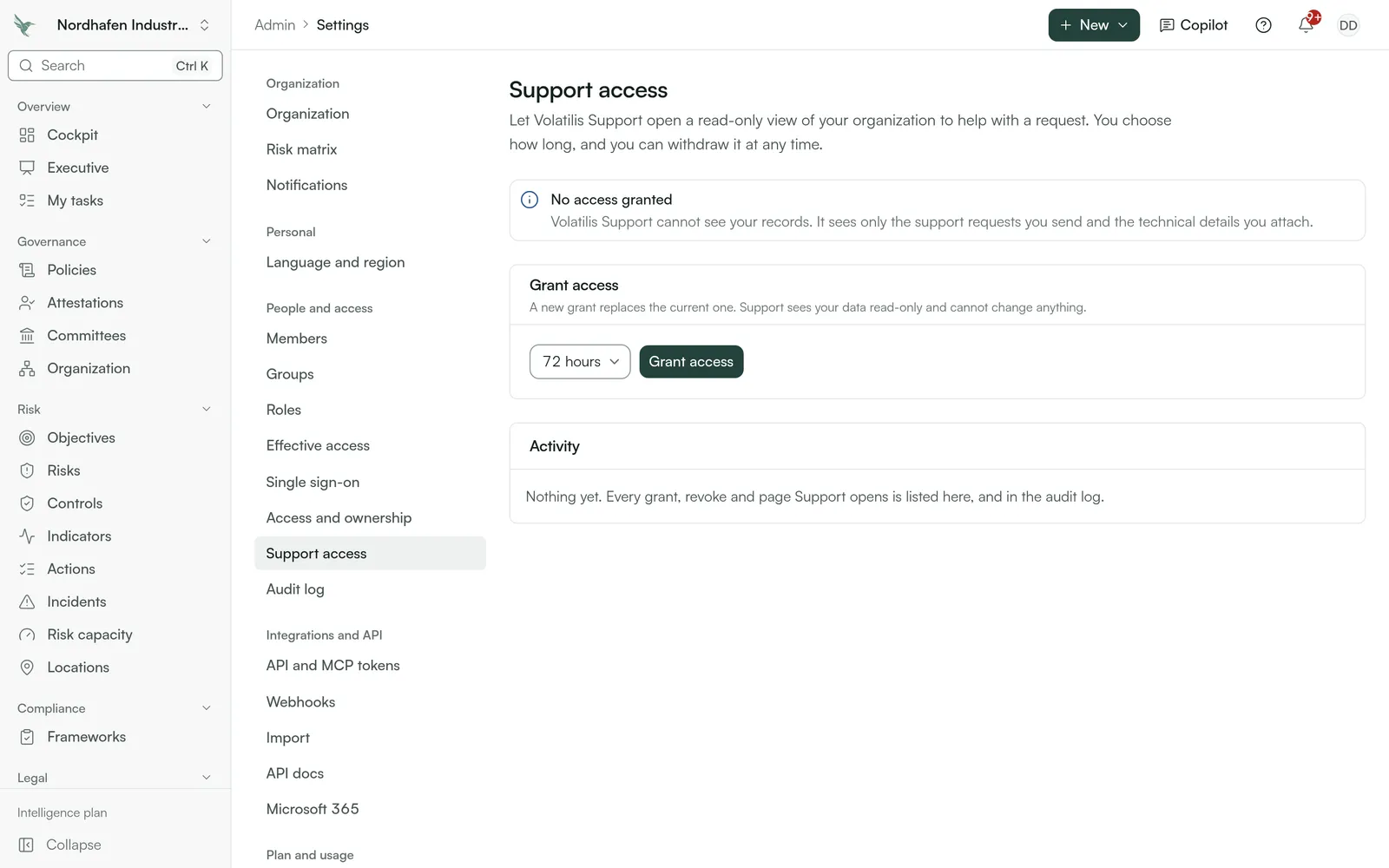
Open Settings and Support access (German: Supportzugriff), or open the request and use Allow access for this request.
Choose the duration: 24 hours, 72 hours or 7 days.
Select Grant access. A grant from a request covers that request only. A grant from the settings page covers the whole organization. A new grant replaces the current one.
What Support can do
- Support opens a read-only view that lasts at most 2 hours at a time and ends when your grant ends or you revoke it, on the next page it opens.
- Nothing can be changed in the view. Every change is refused, in the app and everywhere else.
- The view shows what a viewer sees, without exports, settings, members, billing and the audit log. Files can be opened.
See and withdraw it
The page shows the active grant (who granted it, until when, what it covers) and an activity list: every grant, every revoke, when a view was opened or ended, and each page and file Support opened. The same entries are in the audit log as "Volatilis Support (name)", with the source Support.
To withdraw access, select Revoke access. A running view ends with the next page it opens.
Audit log
See who changed what and when, filter by object, person and date, and find every change that a person accepted from an AI draft.
Import
Bring risks, controls, incidents, contracts, contract obligations and compliance requirements in from a CSV file, check the file with a dry run first and fix failed rows.