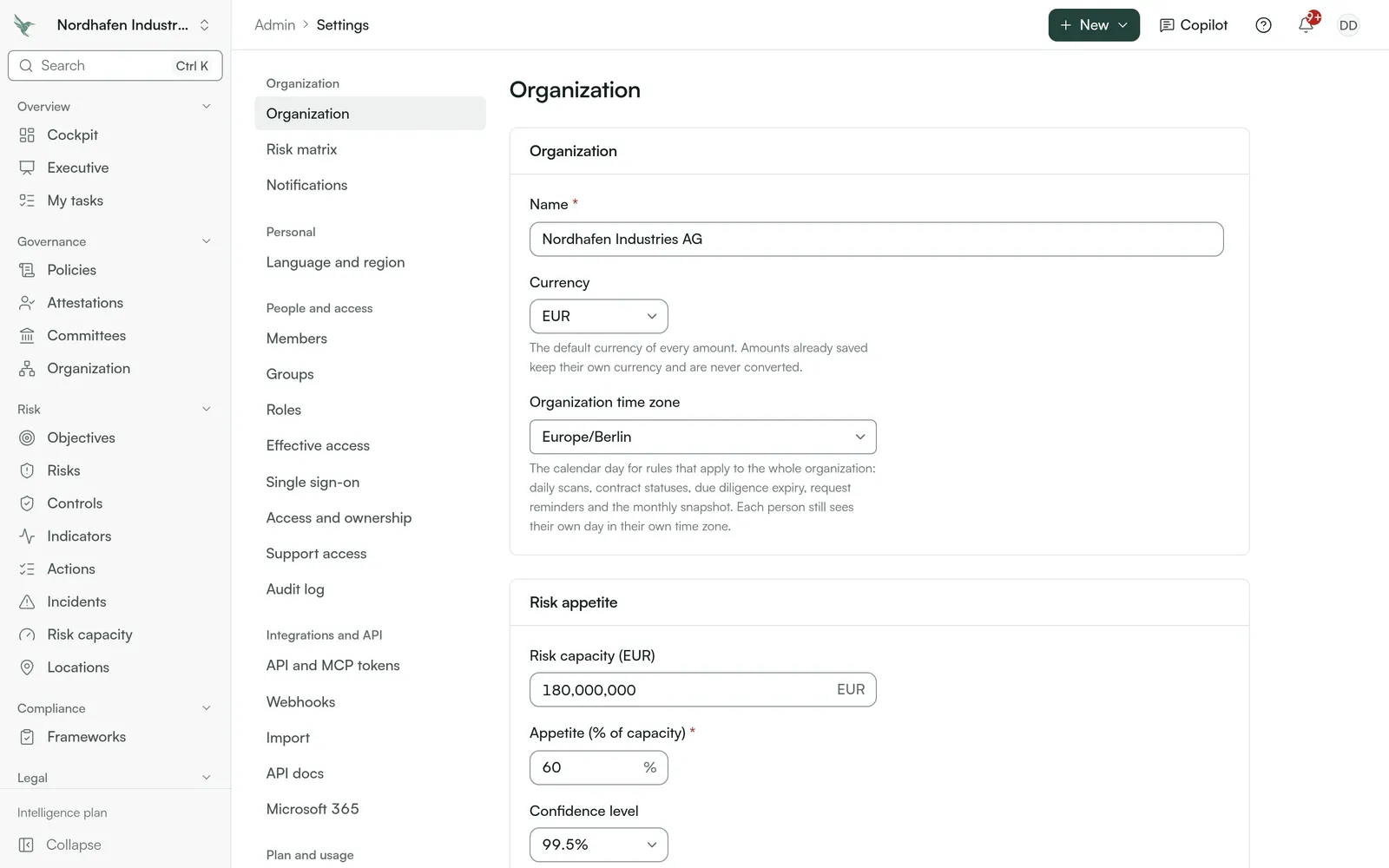
Admin
Set up your organization, bring people in, control who sees what, and keep an eye on plan, usage and the audit trail.
Everything in this section lives under Settings in the sidebar. The settings menu groups its pages by job.
| Group | Pages |
|---|---|
| Organization | Organization (name, currency, risk appetite, risk matrix), Notifications |
| People and access | Members and invitations, Roles, groups and scope, SSO and SCIM, Audit log |
| Integrations and API | Webhooks, Import, Microsoft 365, the Microsoft 365 agent, access tokens and the API docs (see Developers) |
| Plan and usage | Billing and plans, Usage and quotas |
A good first hour
Set the currency, risk capacity and appetite under Organization. The capacity page and every above-appetite flag depend on them.
Check the risk matrix labels and ranges so likelihood and impact mean something in your business.
Invite your colleagues and give each person a role. Add departments first under Governance if you want department scope.
Turn on the notifications you want and connect a Teams channel.
Look at Usage once a month so a limit never surprises you.
Who can do what
| Task | Admin | Manager | Others |
|---|---|---|---|
| Change organization, matrix, webhooks, tokens of others | Yes | View only | No |
| Invite and manage members, roles, groups, SSO | Yes | View members only | No |
| Billing and plan | Yes | View | View |
| Audit log | Yes | View | Auditor: view |
| Usage | Whole organization | Whole organization | Own share |
| Import | Yes | Yes | Anyone who may create the record type |
The permissions come from the role matrix. See Roles, groups and scope.