Webhooks
Send signed event deliveries to your own systems, test them, read the delivery log and rotate the signing secret.
A webhook tells another system when something happens in Volatilis GRC, for example "a contract was updated" or "a risk was created". Volatilis sends a signed POST request to your HTTPS endpoint for each event you chose.
Role needed
Plan needed
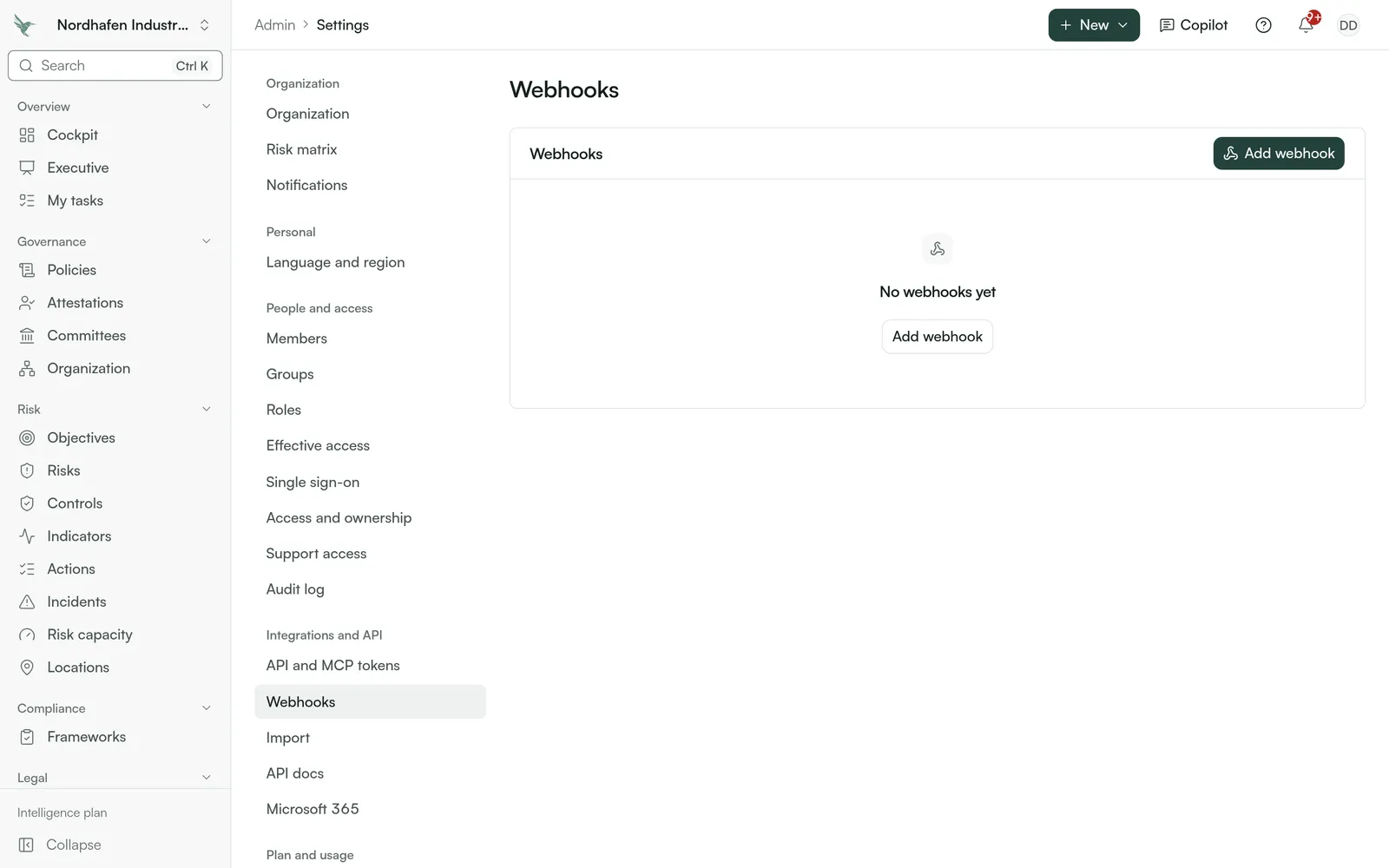
This page is for admins who set up and watch webhooks. How your endpoint verifies the signature and which payload it receives is in the developer documentation.
Add a webhook
Open Settings and Webhooks, then select Add webhook.
Enter the Endpoint URL. It must use https and be reachable from the internet. Private addresses are refused.
Add a Description, for example "ERP sync".
Under Events, tick the events you want. They are grouped as Risk, Legal, Governance, Knowledge and Platform. You only see events about modules you may view.
Create the webhook. The page shows Copy the signing secret now. Copy it into your endpoint's configuration. It is shown once and cannot be recovered.
The full list of events is in the events reference. You receive only events about records the person who created the webhook may see.
Watch and manage
Each webhook shows its status.
| Status | Meaning |
|---|---|
| Active | Events are sent. |
| Paused | You paused it. Nothing is sent until you select Resume. |
| Disabled | The system switched it off after repeated failures. The reason is shown. |
The line under the URL shows when it was created and when the last delivery happened, with the HTTP code.
| Button | What it does |
|---|---|
| Test | Sends a test event now and shows whether your endpoint answered. |
| Deliveries | Lists recent deliveries with status (Delivered, Pending, Failed, Skipped), the number of attempts and the time of the next attempt. Choose Redeliver next to a delivery to send it again (active webhooks only). |
| Pause and Resume | Stops and restarts sending. |
| Rotate secret | Creates a new signing secret. The old one keeps signing for 24 hours so you can switch without losing events. |
| Delete webhook | Stops deliveries at once and removes the delivery log. |
When deliveries fail
A failed delivery is retried 8 times over about a day. If a webhook keeps failing for 3 days, Volatilis switches it off, and admins get the notification "A webhook was switched off". Fix your endpoint, then select Resume.
Good to know
- Create, change, pause and delete actions are recorded in the audit log.
- The webhook step of an automation is a different thing. It posts one chosen event to one URL as part of a rule and has its own optional signing secret.
Import
Bring risks, controls, incidents, contracts, contract obligations and compliance requirements in from a CSV file, check the file with a dry run first and fix failed rows.
API and MCP tokens
Control which API and MCP tokens people in your organization may create, what they may do, and how to narrow or revoke them.